
Appearance
Add Reddio Testnet to Your Wallet
Before making any transfer on Reddio Testnet, you need to add it to your wallet. There are two methods to do this: automatic and manual.
Option 1: Automatic Addition
Go to https://testnet.reddio.com/.
Click the “Connect” button to automatically add the Reddio Testnet to your wallet.
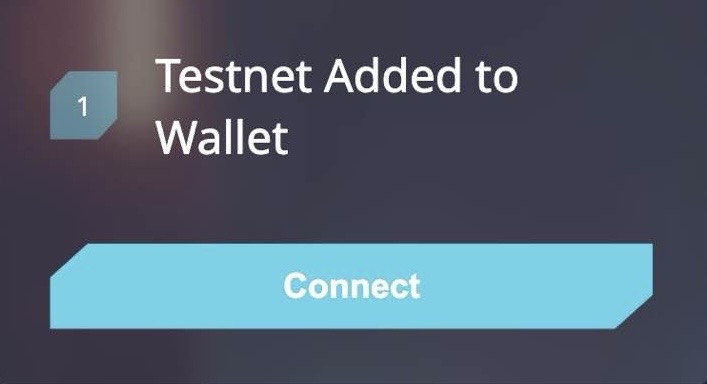
Once connected, ensure the Reddio Testnet is selected before performing any transactions.
Option 2: Manual Addition
You can also manually add the Reddio Testnet:
- Open your wallet application.
- Navigate to the “TESTNET” or “Network Settings” section.
- Add a new custom network with the following details:
- RPC URL:
https://reddio-dev.reddio.com - Chain ID:
50341 - Currency Symbol:
RED - Explorer URL:
https://reddio-devnet.l2scan.co
- RPC URL:
- Save the network and ensure it is selected before making any transactions.